
Go to your iPad Settings app and select Rome: Total War - Gold Edition.
Once selected you will see the Language Select option as below:
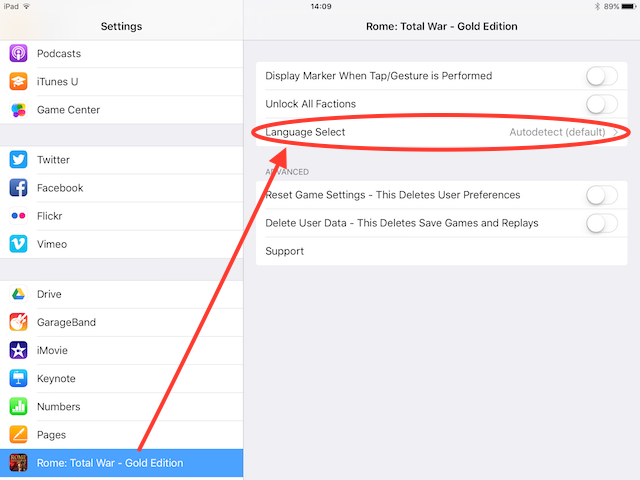
From here, you can change the game to your desired language.

If you have any questions then please contact: support@feralinteractive.com
Comments
0 comments
Article is closed for comments.